



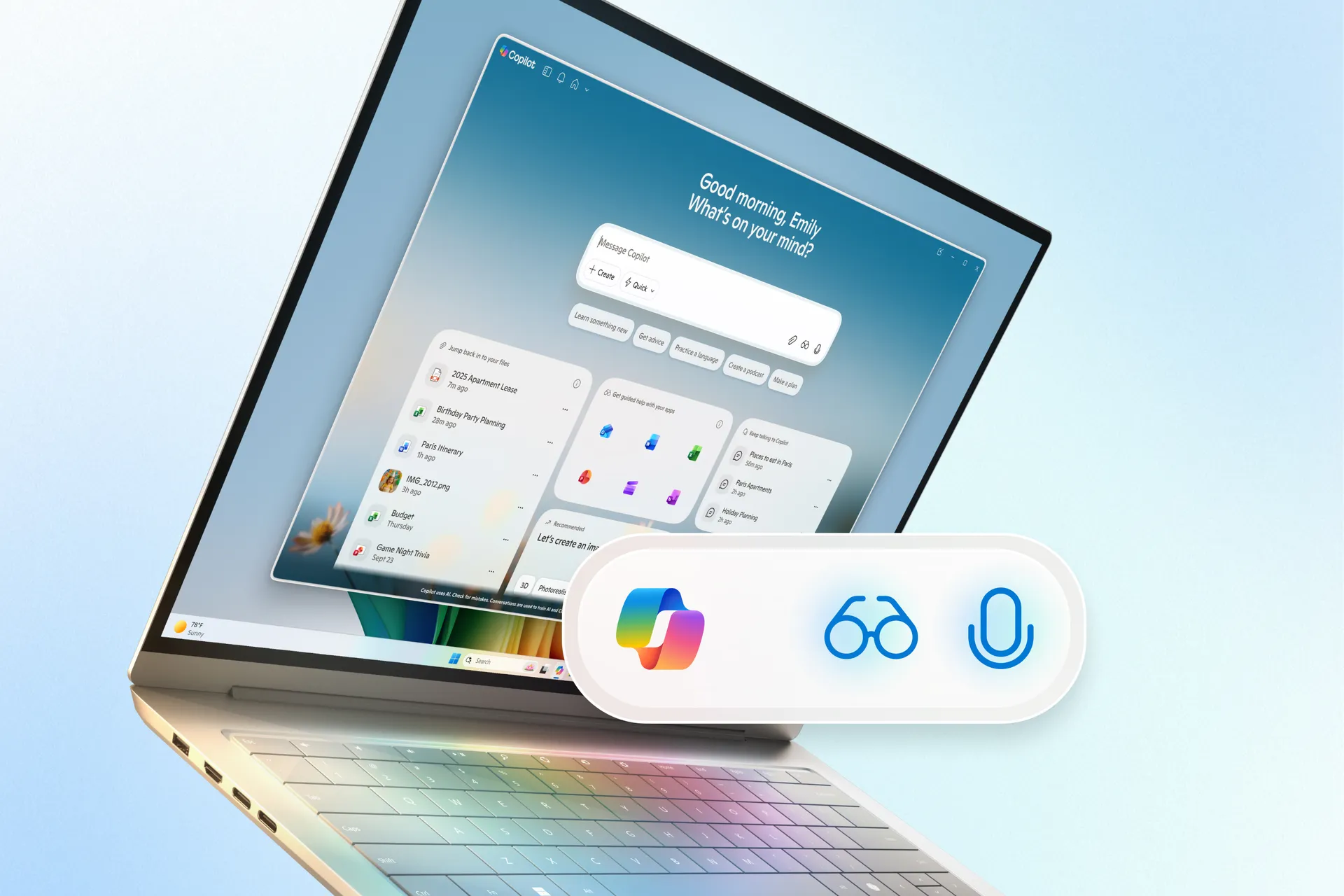
With the end of Windows 10 support, Microsoft is reshaping Windows 11 around artificial intelligence. Soon, all Windows 11 users will be able to interact with the Copilot AI assistant more naturally through voice, while a new feature called Copilot Vision will allow the system to understand what’s happening on your screen.
Initially, Microsoft reserved its most advanced AI tools for enterprise and paid users. Now, the tech giant is expanding Copilot features—such as Voice Interaction, Copilot Vision, and Copilot Actions—to every Windows 11 PC. Alongside these updates, Microsoft is launching a new advertising campaign to highlight its AI-powered ecosystem. The timing aligns perfectly with the end of Windows 10’s life cycle on October 14, signaling a major push to encourage users to upgrade and embrace AI-driven computing.
A New Era of Voice Interaction
“Hey, Copilot” is now the official wake phrase to activate Microsoft’s AI assistant. With this update, every Windows 11 user will be able to speak directly to their PC. According to Yusuf Mehdi, Microsoft’s Chief Marketing Officer for consumer products, this marks a major shift in how people interact with computers.
“For nearly forty years, we’ve primarily used a mouse and keyboard to control our PCs,” Mehdi explained. “Now, voice will become the third key input method.”
Microsoft’s internal data supports this move. The company has found that users engage with the Copilot app twice as often when using voice instead of typing—particularly for tasks like note-taking, transcription, and voice typing. Mehdi emphasizes that this isn’t about replacing traditional inputs but enhancing them: voice commands are meant to complement the mouse and keyboard.
Beyond Voice: Introducing Copilot Vision
The next layer of Microsoft’s AI integration is Copilot Vision, which gives the AI assistant the ability to “see” your screen and respond to what’s displayed. Originally exclusive to Copilot+ PCs, this feature is now rolling out to all Windows 11 systems, even those without specialized AI hardware like an NPU (Neural Processing Unit).
With Copilot Vision, users can ask for assistance directly related to what they’re viewing—whether that’s finding a tool in Photoshop, locating a menu in Excel, or navigating an unfamiliar app. The system provides contextual help via a floating toolbar that can move between applications and windows.
Microsoft refers to this feature as Highlights, and it can be activated with natural commands like “Show me how.” In Office apps such as Word, PowerPoint, and Excel, Copilot Vision can even reference information that isn’t visible on the screen, such as other pages or slides.
Gaming also benefits from this innovation. Through Gaming Copilot, players can receive in-game tips, mission suggestions, and contextual help directly from the AI assistant, both on PCs and devices like the ROG Xbox Ally.
Copilot Actions: Doing the Work for You
Microsoft’s Copilot Actions take AI one step further. Instead of merely showing you how to complete a task, Copilot can now perform actions within apps and the operating system. For example, if you’re working in Adobe Photoshop, you could ask Copilot to “turn on layer transparency,” and it would do it automatically.
The company is also previewing a feature called Connectors, currently available to Windows Insiders. Connectors allow Copilot to interact directly with your PC and apps, such as opening OneDrive files, retrieving emails, or generating PowerPoint presentations. Integration with third-party apps like Gmail and Google Calendar is also planned.
By simply describing a file or event, users can ask Copilot to locate it and take actions—such as rescheduling a meeting or editing a document—within those apps. This expands the AI’s capabilities beyond simple assistance into intelligent automation.
While these features mirror Apple’s Spotlight Actions in macOS Tahoe, Microsoft’s ambitions go further. The company envisions Copilot as the central interface of Windows, potentially replacing traditional search and control mechanisms altogether.
A Transition to the AI-First Future
These updates underscore Microsoft’s intention to “rewrite” Windows 11 around AI. Copilot Actions, originally introduced in Microsoft 365 enterprise tools in 2024, are now being prepared for mainstream release. In the coming months, users will be able to use both text and voice prompts to trigger automated actions across apps and workflows.
However, it remains to be seen how quickly users will adopt these AI features. Windows users are traditionally slow to change habits, and even the transition from Windows 10 to Windows 11 has faced resistance. Still, Microsoft is betting that the seamless integration of voice, vision, and automation will define the next generation of personal computing.
In essence, Microsoft is transforming Windows 11 from a traditional operating system into a dynamic AI-powered platform, aiming to make interaction with technology as intuitive as conversation itself.
Source: Wired.com

